
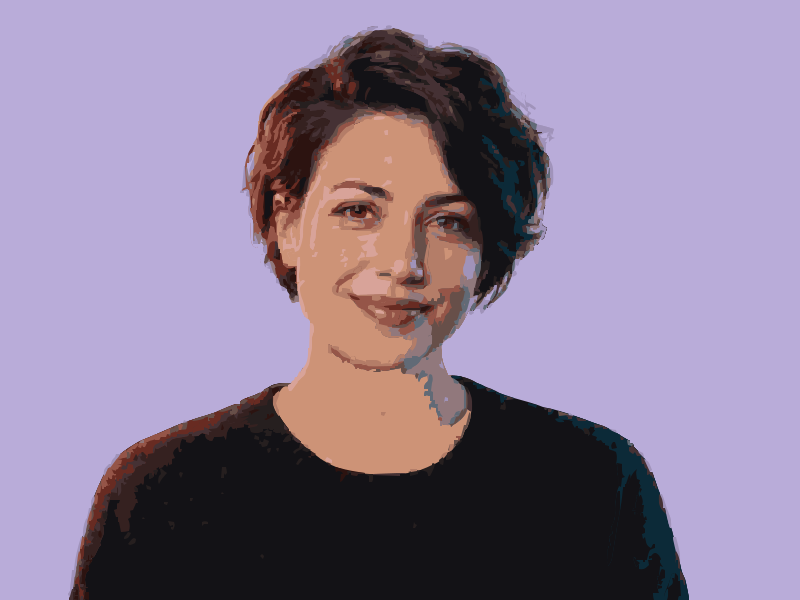

Source imageSVG result
Portrait to vector
Convert a portrait into a layered, poster-style vector portrait. Fewer colors simplify skin tones into graphic shapes.
Choose an image, adjust the preview and export SVG.
Drag to compare each reference image with its traced SVG. Open a larger preview or load a sample into the converter to try it yourself.
Convert a portrait into a layered, poster-style vector portrait. Fewer colors simplify skin tones into graphic shapes.
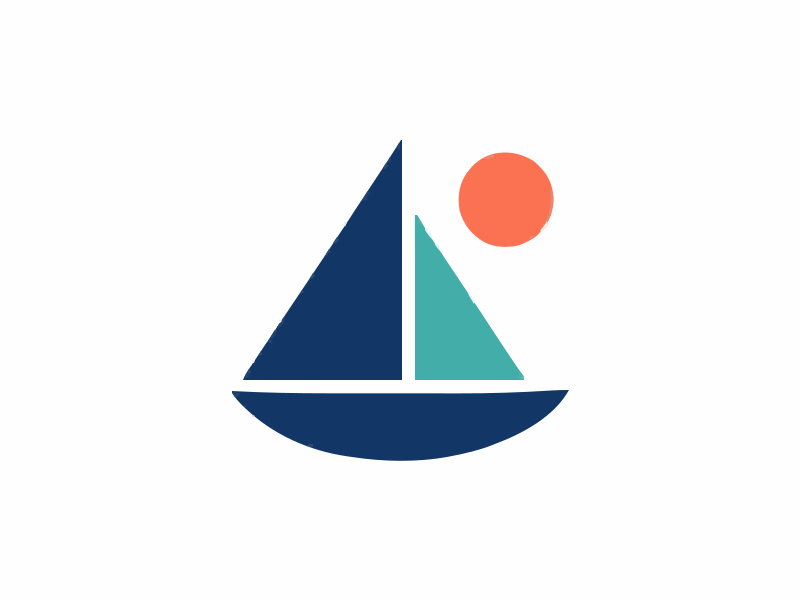
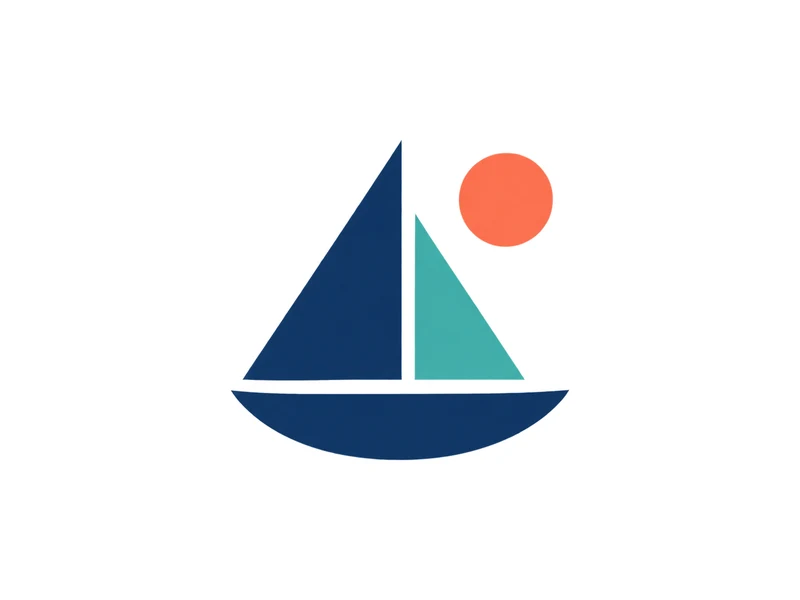
Trace a bitmap logo into scalable paths. A clearer source produces better edges; conversion cannot reconstruct a missing original design.
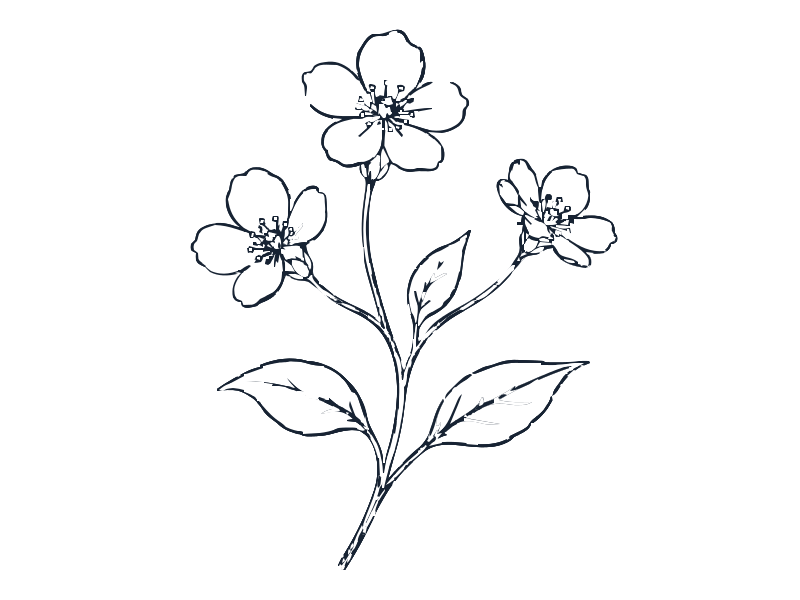
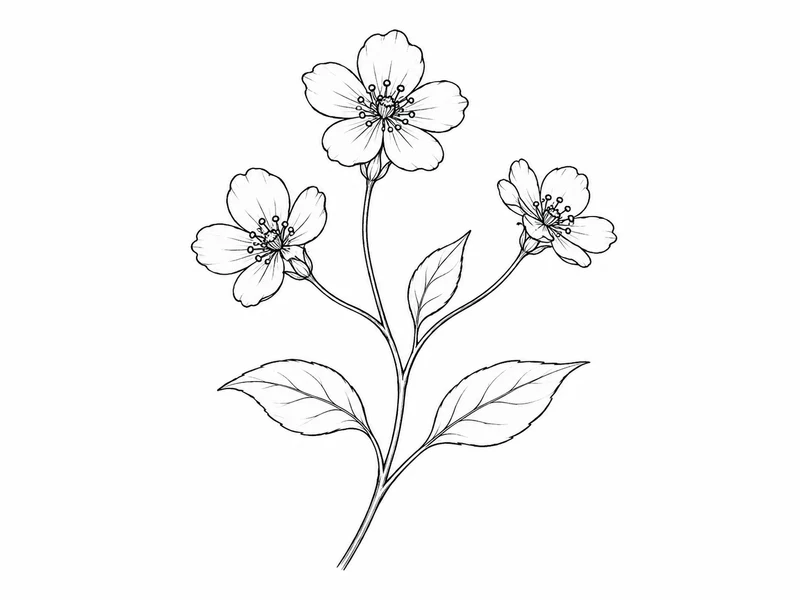
Turn a scanned drawing into vector line art. Inspect small gaps and fine strokes before using the SVG in production.


Convert a cartoon image to vector shapes with a compact palette. Edit the fills to adapt the character to a new layout.
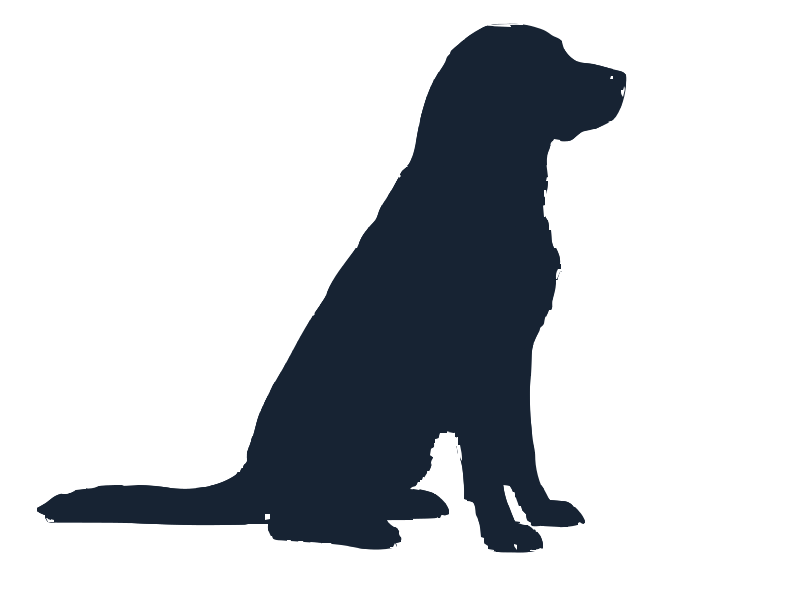
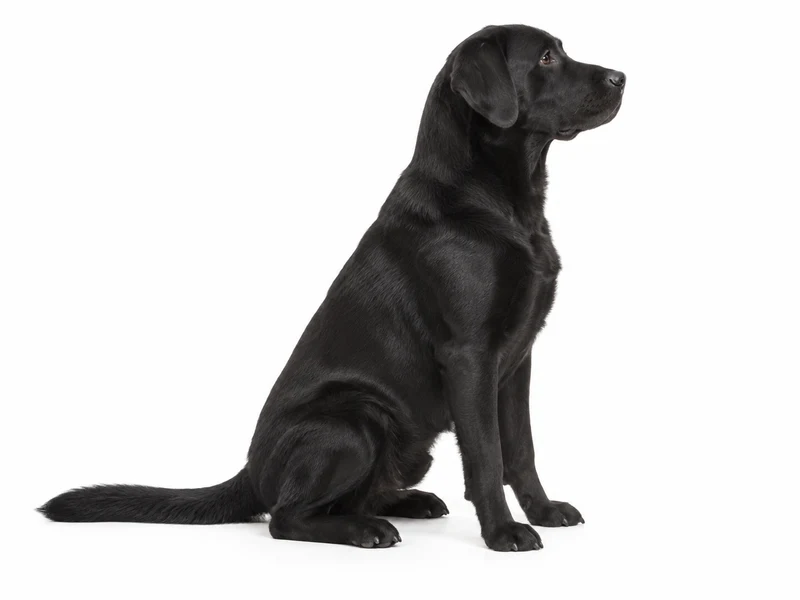
Start with a dark pet against a light background for a vector silhouette. Check small islands and closed paths before cutting.

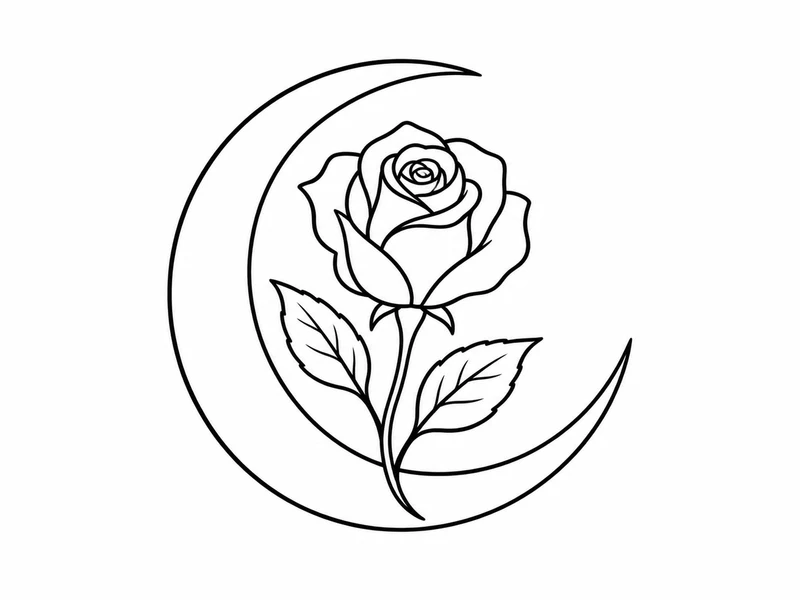
Turn an ink sketch into tattoo vector artwork for layout and resizing. Review the traced fine lines with your artist.

Start with
PNG / JPG
Refine
Color & detail
Take away
SVG paths
From first step to finished file
See the result before you export. Adjust the artwork for the way you plan to use it.
Choose a PNG, JPG or WebP up to 10 MB, or paste an image. No account is needed for photo to vector conversion.
Compare the original and vector preview. Reduce colors for simpler shapes, or increase detail to keep more of the image.
Use Design for editing, Web for a website, or Cutter for cutting workflows. Check paths and dimensions before production.
Know before you convert
Raster to vector tracing turns pixels into shapes. Logos and flat artwork usually trace cleanly. Photos become simplified colors; missing detail in a blurry source cannot be restored.
Edit paths in Figma, Illustrator or Inkscape. Resize and recolor the artwork for your project. A detailed SVG can be larger than the original image.
Choose an image, adjust the preview and export SVG.
For the artwork you already have
Photo to Vector helps makers and production teams turn existing artwork into editable paths. Start with a photo, bitmap logo or drawing, then use the image vectorizer to prepare an SVG for your next step.

Make a supplied logo easier to work with.
When a client sends a PNG or JPG logo, use Photo to Vector to trace it into scalable shapes. Refine the palette and edges, then inspect the SVG before preparing signage or packaging artwork. A clearer source gives a better starting point.
Useful for

Take a paper sketch into your editor.
Turn a scan or well-lit photo of your drawing into vector line art. Photo to Vector lets you adjust detail and smoothness, then export paths you can refine in your editor. Use a high-contrast sketch to help separate ink from paper.
Useful for

Build a cut shape from a favorite image.
Convert a pet picture or simple graphic into a vector silhouette with this image vectorizer. Choose the Cutter output, review the preview and export SVG. Check closed paths, dimensions and small details in your cutting software before making the cut.
Useful for
Choose an image, adjust the preview and export SVG.
Choose an image, adjust the preview and export SVG.
Adjust the number of colors, fine detail and smoothness. Compare the preview before choosing the version you want to keep.
Choose an image, adjust the preview and export SVG.
Convert your image to vector for free. Download real paths with no watermark, then finish the design in your vector editor.
Everything about converting images to SVG.
Add an image, refine the preview and download. Free, with no signup or watermark.
No image yet? Start from words. Try Text to Vector