
AI Vector Generator
Turn a text prompt into a logo, icon or sticker with our AI vector generator. Or convert an image to editable SVG for free, with no signup. Text generation requires sign-in.
AI text-to-vector generator
Free — sign in to generateTip: skip lettering — add text later in your editor
Try:
Style
Colors
Ratio
Need an idea? Start here.
Preview a result, then make something of your own.
Weather icons
Sunset illustration
See what your vector could look like
Drag to compare the source image with the traced SVG. Open a preview to zoom into the paths, then try a prompt or image in the tool above.
Source imageSVG result
Geometric fox logo
An AI logo concept with angular shapes. Recolor the traced paths to explore a visual identity.


Source imageSVG result
Portrait to vector
Convert a portrait into a layered, poster-style vector portrait. Fewer colors simplify skin tones into graphic shapes.
Source imageSVG result
Weather icons
Explore an AI icon generator workflow for a coordinated weather set. Review stroke consistency in your editor.

Source imageSVG result
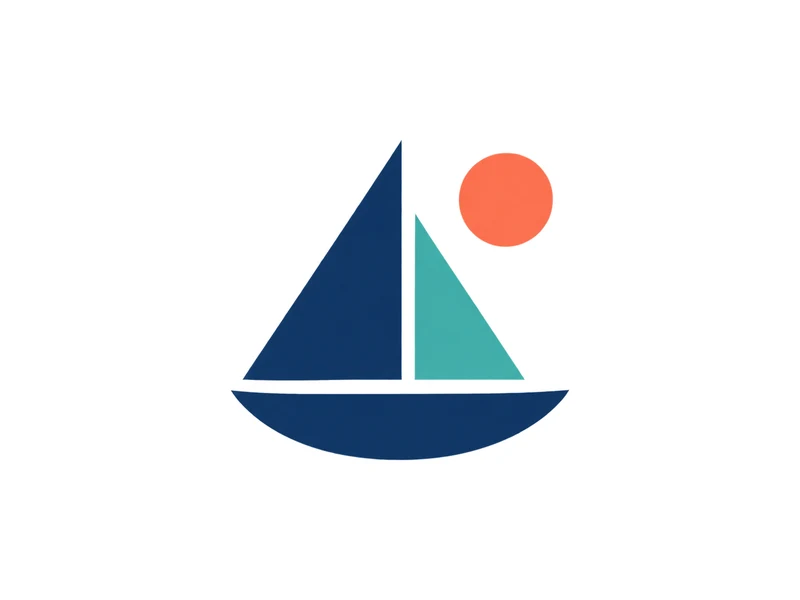
Logo cleanup
Trace a bitmap logo into scalable paths. A clearer source produces better edges; conversion cannot reconstruct a missing original design.
Source imageSVG result
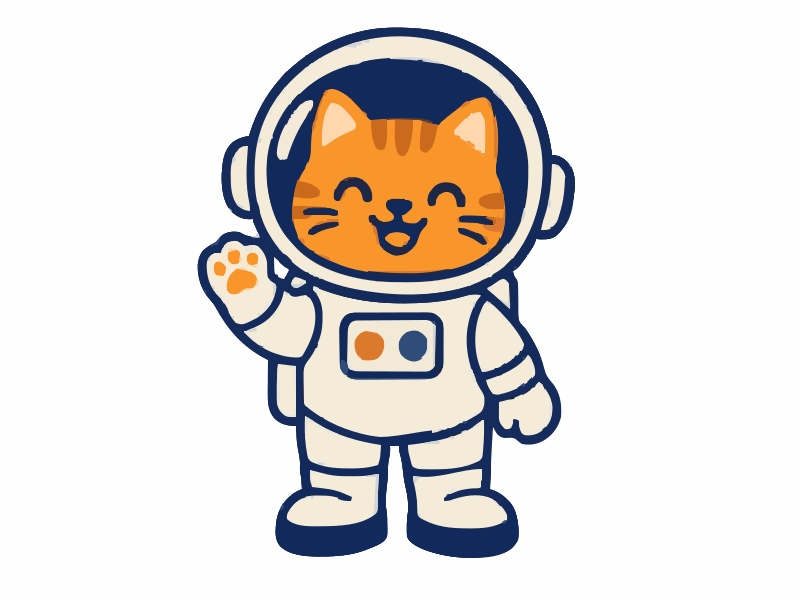
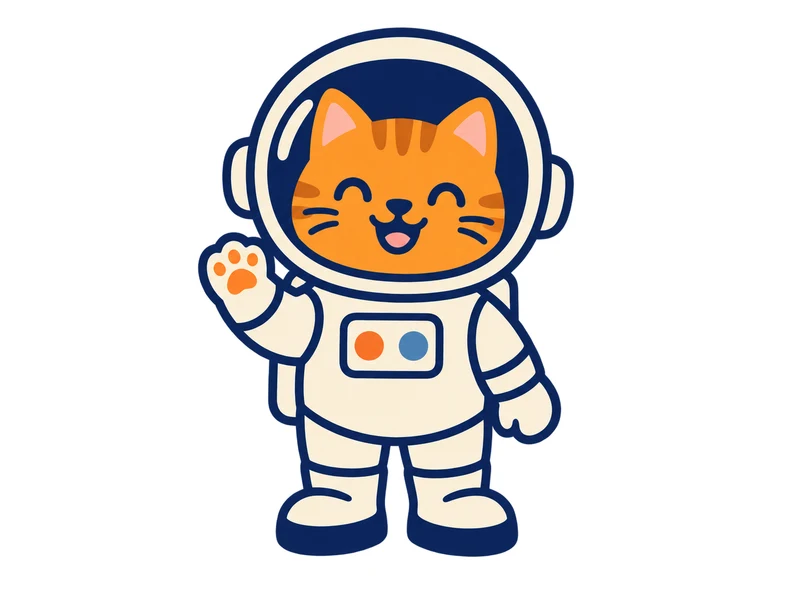
Astronaut cat sticker
A playful AI sticker generator idea with bold contours. Check the cut outline before producing stickers.
Source imageSVG result
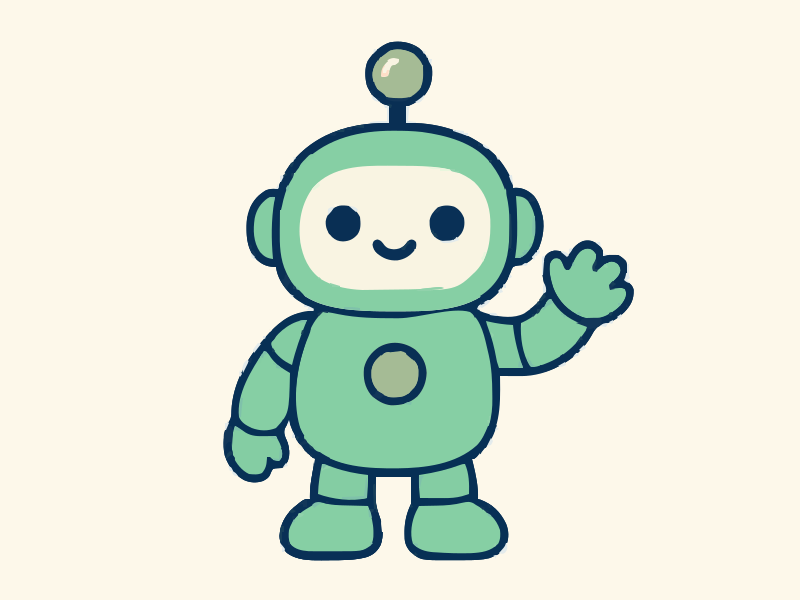
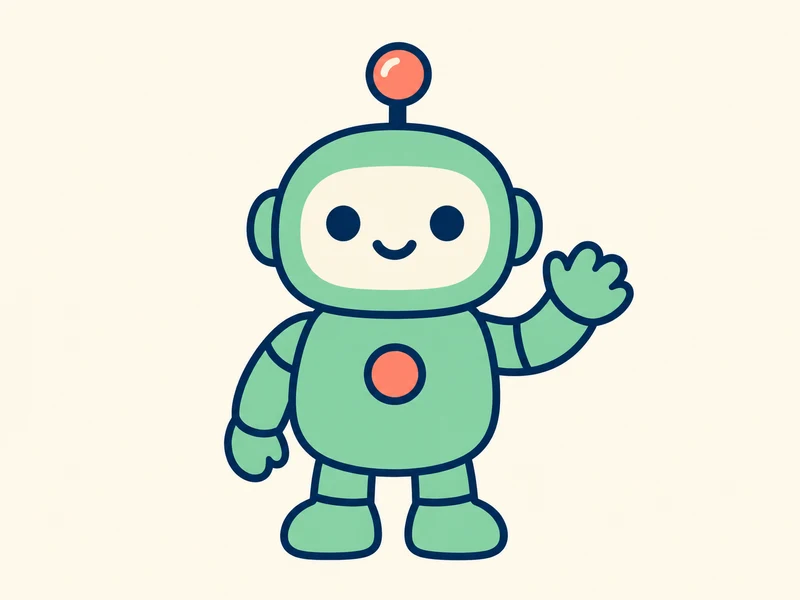
Robot mascot
Try an AI mascot generator concept for a community or product. Keep a small palette for easy reuse.
Two ways to start
AI Vector Image Generator. Start with what you have.
Create a new design from a text prompt, or convert an image you already have. Both paths lead to an SVG you can edit, recolor and resize.
01 / Create Your prompt Editable SVG
Your prompt Editable SVGCreate SVG from a text prompt
Describe a subject, style and colors. Create a logo concept, icon or mascot, then refine the vector result.
Sign-in required · Generation cost shown before you start
Create a vector from text02 / Convert Your image Editable SVG
Your image Editable SVGRefine artwork you already have
Start with your own artwork. Refine the traced shapes, adjust colors and detail, then download an editable vector.
Free · No signup · Images processed locally
Convert an image to vectorEdit the shapes
Open real vector paths in your editor to refine the design.
Make the colors yours
Change the palette to match your brand or project.
Scale beyond one size
Resize SVG paths for a small icon or a larger layout.
Made for your everyday work
Who is this AI vector generator for?
For people who need original graphics without starting from a blank canvas. Use the AI vector generator to explore an idea, then adapt the SVG for your brand, campaign or community.

Founders & small business owners
Give your new idea a visual identity.
Explore a logo concept or a friendly mascot with the AI vector generator. Start with a short description of your business, then take the SVG into your editor to refine it for packaging, pitch decks and your website.
What you can make
- Logo concepts
- Brand mascots
- Packaging graphics

Marketing & social media teams
Make one campaign work everywhere.
Use this AI vector image generator to create an illustration for your next launch. Adjust the colors to match your campaign, then reuse the editable artwork in social posts, email banners and printed event materials.
What you can make
- Campaign illustrations
- Social graphics
- Event artwork

Content creators & community builders
Give your community its own character.
Turn an inside joke or channel theme into a sticker, icon or mascot. The AI vector generator gives you a starting point you can personalize, so the same character can appear in a tiny profile badge or a larger poster.
What you can make
- Sticker artwork
- Channel icons
- Community mascots
Start with one idea. Build a set of graphics you can recolor and use at any size.
Three simple steps
How the AI vector generator works
Use this vector image generator to build a first draft, refine the shapes, and download an SVG you can make your own.
01
Describe your idea
Start with a logo, icon, sticker or mascot prompt. Choose a flat style and a small palette for clear AI vector graphics. Already have artwork? Switch to image input.
02
Generate and refine
AI creates the artwork, then local tracing turns it into paths. Adjust the palette, detail and smoothness while comparing the preview.
03
Download your SVG
Save real vector paths with no watermark. Recolor your design in a vector editor and scale it for websites, stickers or t-shirt graphics.
AI vector generator FAQ
How generation, SVG editing and free image conversion work.
Give your next idea a shape.
Create a logo, icon or sticker from words. Or start with your own image and export an editable SVG.